Navigating the WatticsAir feature
 by Kayleigh-Ann Myles
Accessing the WatticsAir feature
Accessing the WatticsAir feature
Congratulations, you are taking the first step towards a healthier and more efficient space. If you have made it to this page, we are guessing that you have already made yourself some what familiar with our newest feature WatticsAir.
To access the feature through your Wattics dashboard is easy. You can find the WatticsAir feature by navigating from the home page to our workspaces feature (desktop icon). Here, all your workspaces will be displayed.
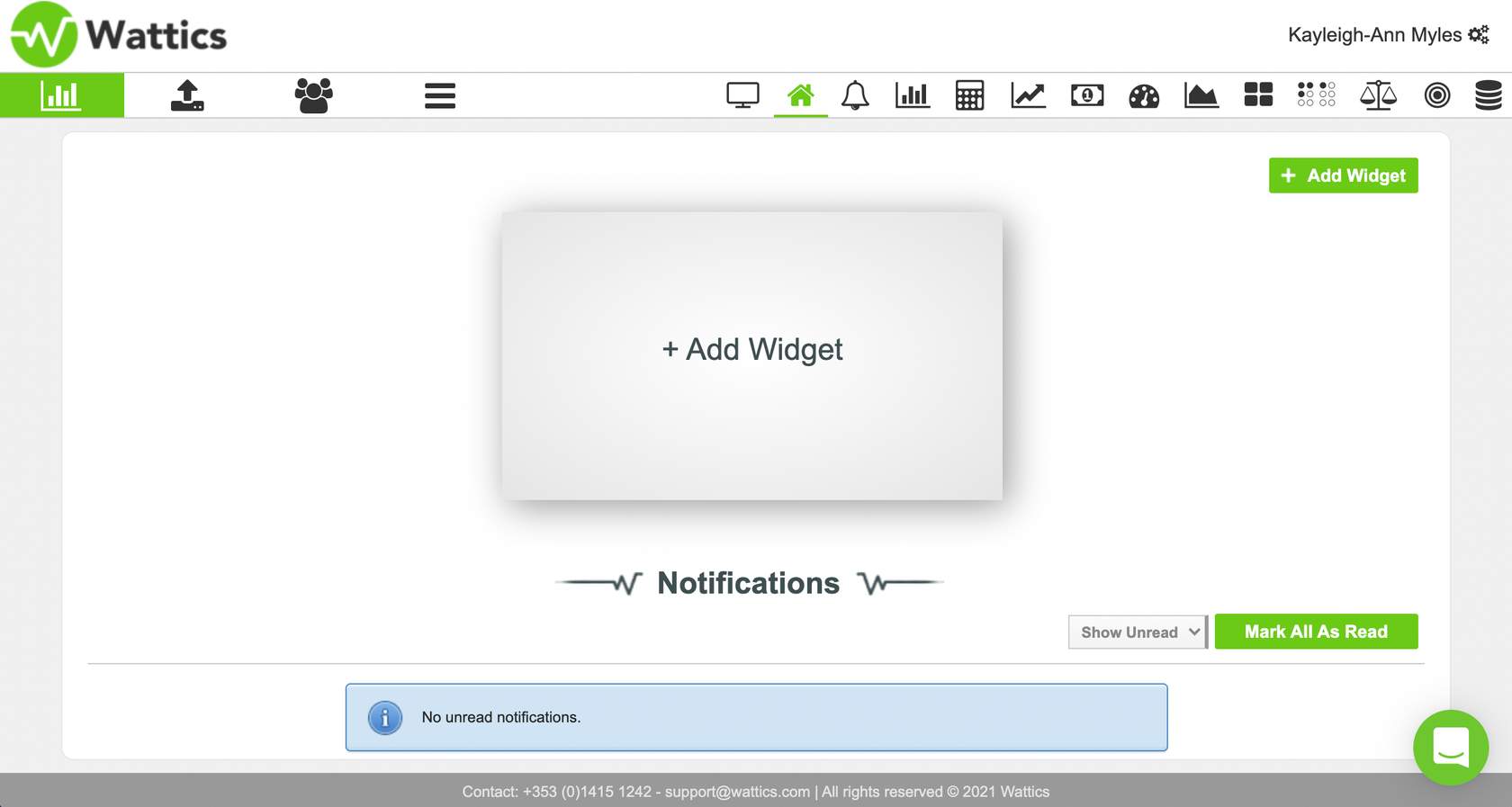
In this workplace view is where you will find all your organisations and sites. You can then select the organisation/site you wish to view, this site must already be connected to an Air Quality Meter for real time data to be visible.
Once you have selected the organisation you can then select the exact site you wish to preview. If there is only one site within the workspace this will be the only visible option.
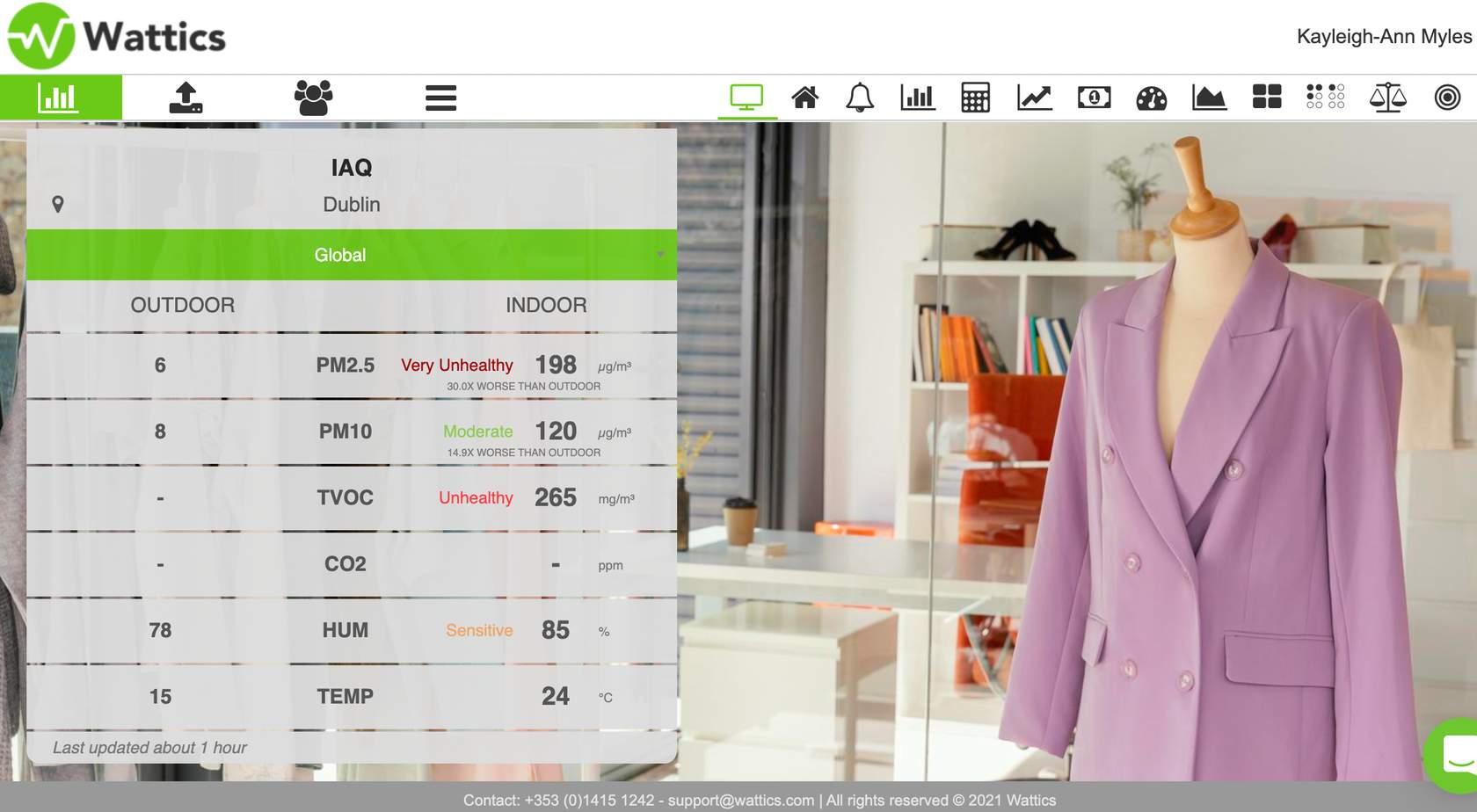
Once you have selected your option, you will be brought to the IAQ (Indoor Air Quality) Kiosk view feature page. Here, all the data related to your indoor quality is visible.
If you wish to explore options of the WatticsAir feature in the breakdown tab, please continue to follow this e-learn.